

Changing Your WordPress Theme
Would you like to change the theme of your website? Here are some simple steps to follow:
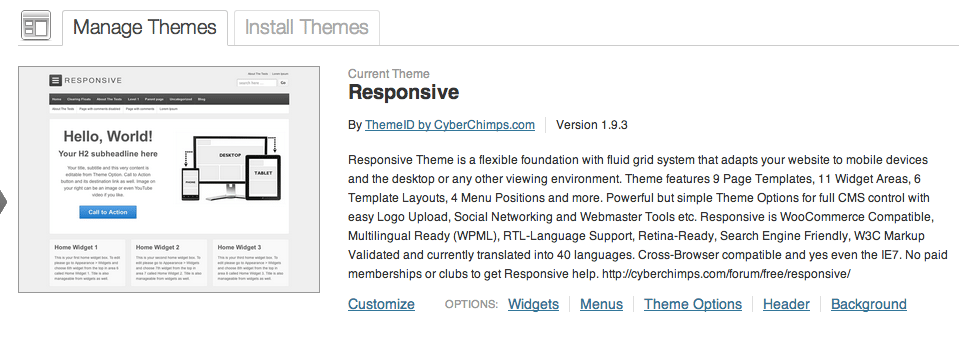
You change your theme as follows:
1. Click on Themes in the Appearance module
2. Find a theme you’d like to use and click Activate.
You can also watch this video that walks you through the process.
Simple!
The theme you are seeing on my site is a premium theme from WooThemes called Headlines.
What theme are you using on your site now? Leave a comment below with your theme (as well as your site so others can see it – this is a great way to get some traffic to your site as well!)






Great instructions for changing your WP theme!!
Great video and help.
Hi Paul. I use the Focus theme from Studiopress on my site, http://advancingsteps.com
StudioPress has some great themes! Thanks for sharing, Samantha!